Creating a home office that is both comfortable and productive can significantly improve your work-from-home experience. Whether you work full-time remotely or occasionally need a quiet spot to focus, setting up an efficient workspace is key. This guide provides valuable tips to help you design a home office that supports your well-being and work efficiency.
Choose the Right Location
Selecting the best spot for your home office is a crucial first step. Ideally, find a quiet area away from high-traffic zones in your home to minimize distractions. If possible, pick a space with natural light, such as near a window, to help boost mood and reduce eye strain.
If dedicated office space is limited, a corner in a living room or bedroom can work. Just make sure the space can comfortably fit your work essentials without feeling cramped.
Invest in Ergonomic Furniture
Comfort is essential for long work hours. An ergonomic chair and desk setup helps prevent back pain and improves posture. Look for a chair with adjustable height, lumbar support, and comfortable cushioning.
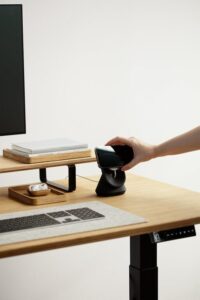
Your desk should be at a height that allows your arms to rest comfortably with elbows at about 90 degrees. Standing desks or adjustable desks offer flexibility to alternate between sitting and standing during the day.
Optimize Lighting
Good lighting reduces eye strain and keeps you alert. Natural daylight is ideal, but make sure it doesn’t cause glare on your screen. Use blinds or curtains to control sunlight.
For artificial lighting, a combination of ambient light and task lighting works best. A desk lamp with adjustable brightness and direction can focus light where you need it most.
Organize Your Space
Keeping your workspace tidy helps maintain focus and efficiency. Use shelves, drawers, or storage bins to organize papers, office supplies, and electronics.
Cable organizers or clips can prevent tangled cords and create a cleaner look. Consider minimal decor to keep the variety of items at your desk manageable.
Personalize Your Environment
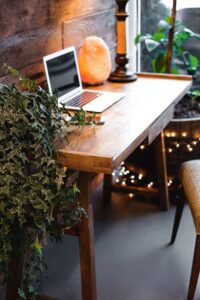
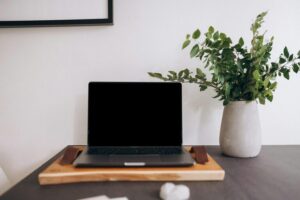
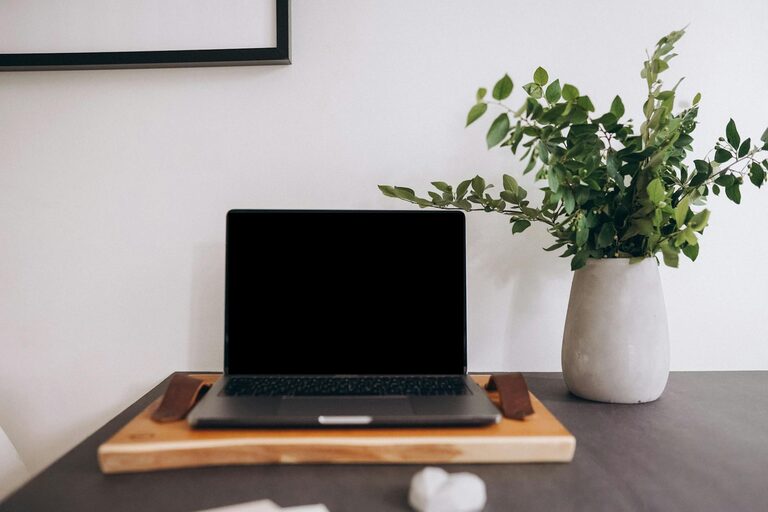
Adding personal touches like plants, artwork, or meaningful objects can make your home office more inviting. Plants not only brighten the space but can also improve air quality and reduce stress.
Choose decor that inspires you but avoid overcrowding your desk, as clutter may lead to distraction.
Set Boundaries and Routine
Establish clear work hours and communicate boundaries with family or housemates to minimize interruptions. Using a door or room divider helps separate work and home life.
Develop a daily routine to signal the start and end of your workday. This can include getting dressed for work, regular breaks, and a dedicated workspace for better focus.
Equip Your Tech Needs
Ensure your computer, internet connection, and peripherals meet your work requirements. A reliable, high-speed internet connection is essential for virtual meetings and large file sharing.
Use a quality headset or speakers for clear communication. Consider dual monitors for increased screen space, which can boost productivity for multitasking.
Incorporate Healthy Habits
Add reminders or apps to encourage regular movement and eye breaks. Sitting for prolonged periods is harmful, so stand up, stretch, or walk for a few minutes every hour.
Drink water regularly and keep healthy snacks nearby to maintain energy levels during work hours.
Maintain Good Air Quality
Proper ventilation enhances concentration and comfort. If your home office lacks windows, consider an air purifier or humidifier to improve air quality.
Regularly opening windows when possible refreshes the space and keeps you alert.
Final Thoughts
Designing a home office that blends comfort and productivity takes some planning but offers long-term benefits. By choosing the right location, investing in ergonomic furniture, optimizing lighting, and organizing your space, you can create a work environment that supports your professional goals and well-being. Remember, a well-designed home office is an investment in your success and happiness while working remotely.